

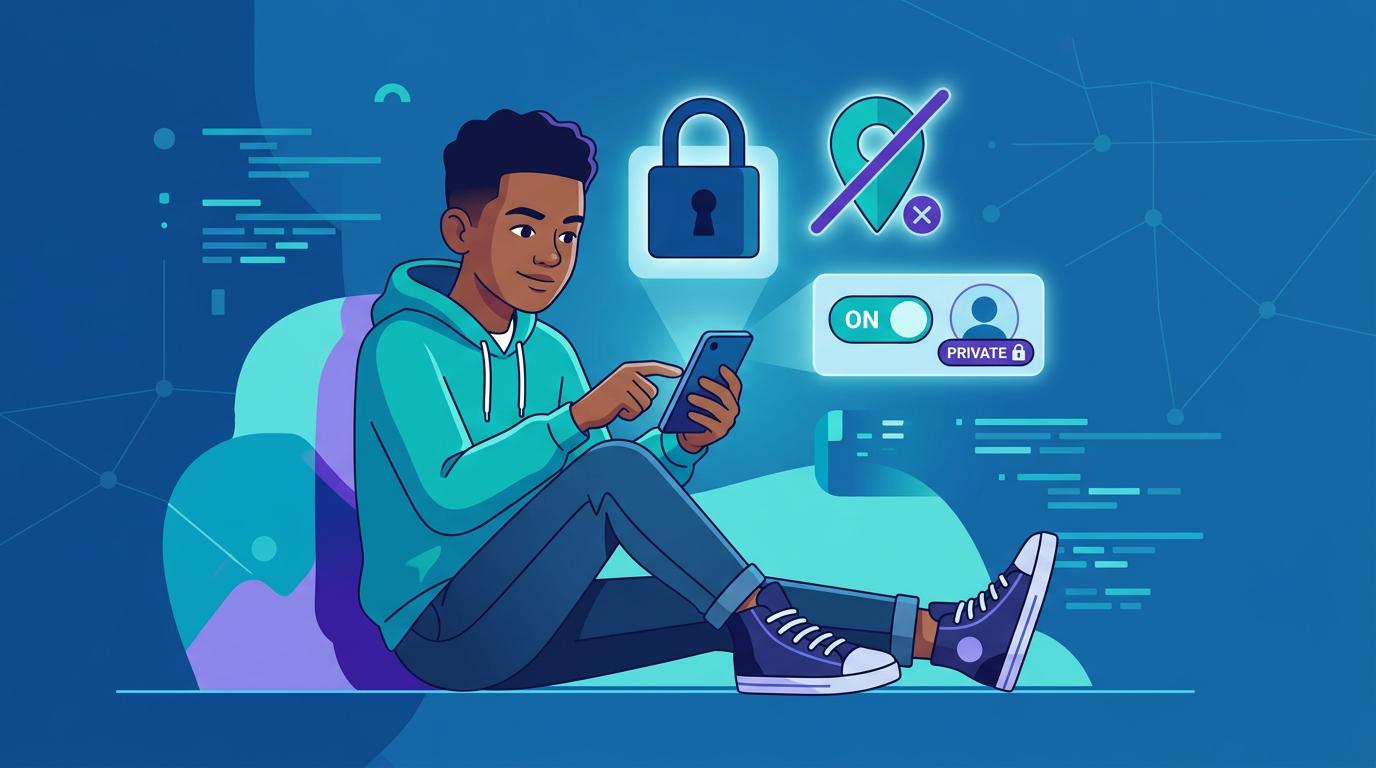
Every day, we use the internet to study, communicate, shop, watch videos, play games and
share our lives. With just a few taps, we can upload photographs, reveal our location, create
accounts and exchange personal information. The internet has made life easier, but it has also
created a new responsibility: protecting our digital privacy and safety.
What Is Digital Privacy?
Digital privacy is the ability to control how our personal information is collected, used and shared online. This can include our name, photographs, location, browsing habits, messages, passwords and even information about our interests. Websites and apps may collect information about users’ activities and preferences for different purposes, including personalising services and advertising.
The problem is that many people share information online without considering how long it may remain available or who might eventually access it. The internet, unfortunately, has a memory far better than most humans.
Why Does Online Safety Matter?
Cybercriminals can use stolen or publicly available information for phishing, identity theft, fraud and other attacks. Even seemingly harmless information, such as a birthday, address, holiday plans or location, can contribute to security risks. One common threat is phishing, where attackers pretend to be trustworthy people or
organisations and try to trick users into revealing passwords, financial information or other sensitive data. ENISA identifies phishing and social engineering as important areas of
cybersecurity awareness.
Simple Ways to Stay Safe
- Use Strong, Unique Passwords
Avoid using the same password for every account. Long, unique passwords or passphrases
are safer, and a password manager can help keep track of them. - Turn On Two-Factor Authentication: Two-factor authentication, or 2FA, adds another security check after your password. This means that even if someone obtains your password, they may still be unable to access your account.
- Think Before You Share: Avoid publicly posting sensitive information such as your home address, passwords, account details, exact location or detailed travel plans. Review the privacy settings of social media accounts regularly.
- Be Careful With Links and Messages: Do not immediately click links or open attachments from suspicious messages. Check who sent the message and consider whether the request actually makes sense. Criminals are surprisingly fond of pretending to be your bank, teacher, friend or delivery company.
- Keep Devices Updated: Operating systems and applications should be updated regularly because updates can include important security fixes. Enabling automatic updates where possible can make this easier.
- Back Up Important Data: Important photographs, documents and other files should be backed up securely. CISA also recommends encryption because data stored on an unencrypted device may be accessible if the device is stolen or compromised.
Privacy Is a Daily Habit
Digital privacy is not something that can be achieved by installing one security app and forgetting about it. It requires everyday awareness.
Before downloading an app, consider what permissions it requests. Before posting something publicly, think about whether you would be comfortable with that information being seen months or even years later. Before entering a password, make sure you are using the legitimate website or application.
ENISA describes these everyday protective behaviours as cyber hygiene, including strong passwords, 2FA, software updates, backups, secure Wi-Fi and limiting unnecessary personal information online.
The Bottom Line
Technology is not the enemy. The real challenge is learning to use it responsibly. A safer digital life begins with simple habits: protect your passwords, enable 2FA, update your devices, question suspicious messages, limit personal information and back up important files.
Our digital identity is becoming almost as important as our physical identity. Protecting it should therefore be part of our everyday routine, not something we remember only after something goes wrong.
Think before you click. Share carefully. Protect what matters.
Sources:
- European Union Agency for Cybersecurity (ENISA), Cyber Hygiene
- ENISA, Awareness and Cyber Hygiene
- U.S. Cybersecurity and Infrastructure Security Agency (CISA), Online Privacy Tip Sheet
- CISA, How to Protect the Data that is Stored on Your Devices
- Federal Trade Commission (FTC), Protecting Your Privacy Online